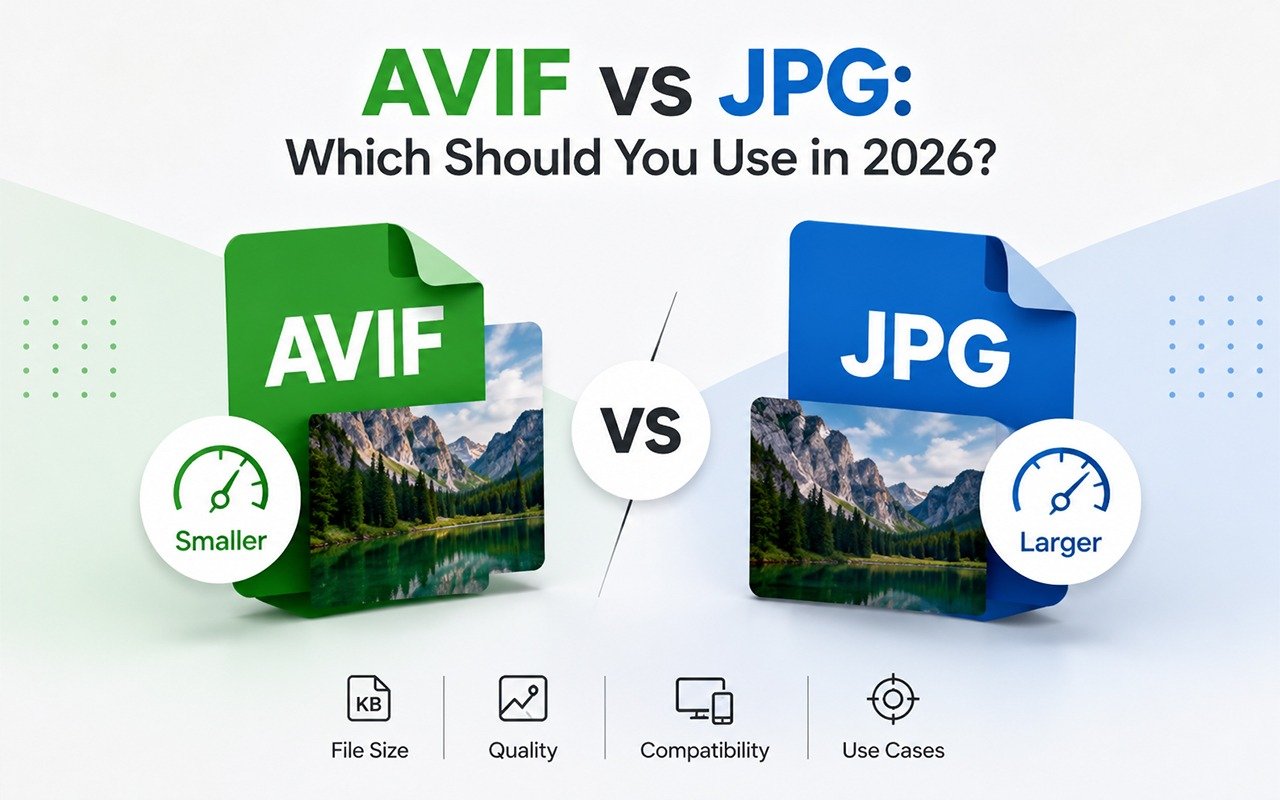
A few years back this wasn't really a question anyone bothered asking. JPG was just what a photo was, full stop. Then AVIF started turning up quietly, in screenshots, in exported camera photos, in images websites serve without anyone noticing the file extension had changed underneath them. If you're still fuzzy on what the format actually is, our guide to what AVIF is and why it exists is worth a quick read first. But for most people, the real question is more practical: whether to use AVIF, or convert it away the second it shows up. The honest answer is that both formats earn their keep, and which one makes sense depends entirely on what you're about to do with the image.
Key Takeaways
- AVIF produces files roughly 30 to 50 percent smaller than JPG at the same visual quality.
- JPG remains the most universally compatible image format that exists.
- The decision usually comes down to where the image is going, not which format is objectively better.
- Converting between the two takes seconds and rarely causes a quality loss you'd actually notice.
The quick comparison
| AVIF | JPG | |
|---|---|---|
| File size | 30 to 50 percent smaller at equal quality | Larger for the same visual quality |
| Transparency | Yes, alpha channel | No |
| Animation | Yes | No |
| HDR / wide color | Yes | No |
| Browser support | Chrome, Firefox, Edge, Safari (current versions) | Universal, every browser, every device |
| Everyday app support | Still limited (older viewers, some editors, printers) | Universal |
| Best for | Modern websites, storage savings | Sharing, printing, uploads with strict format rules |
File size and quality: AVIF wins clearly
The gap here is the most obvious part of this whole comparison. Independent testing has shown AVIF coming in 30 to 50 percent smaller than a JPEG at the same perceived quality, and that gap widens further on complex, detailed photos like landscapes or crowded product shots. The reason comes down to how each format actually works under the hood. JPEG compresses each part of an image mostly on its own. AVIF, because it's built on video compression, is much better at predicting what one section of an image looks like based on the sections around it, and it only bothers storing the difference. That's simply a more efficient way to describe a picture, and it shows up directly in the file size.
A travel blogger with a gallery page of forty photos from a recent trip is a good example. At around 600KB per JPEG, that gallery alone weighs close to 24MB before anything else on the page has loaded. Convert the same photos to AVIF at a comparable quality and you're realistically looking at 12 to 14MB instead. On hotel WiFi, or a patchy mobile signal somewhere out of town, that's the difference between someone actually seeing the photos and someone giving up halfway through the load.
Compatibility: JPG still wins, by a wide margin
Every browser released in the last twenty years opens a JPG without a second thought. Every phone, every printer, every email client, every design tool going back decades handles it without complaint. AVIF has caught up enormously on modern browsers, but step outside of that and support gets inconsistent fast. Some point of sale and print on demand platforms still reject AVIF uploads outright. Certain older phones and tablets can't render it at all. Even some newer software has partial support that breaks in odd, hard to predict ways.
If you don't control what device or software the person on the other end is using to open your file, and you often can't, JPG remains the safer bet. This matters more than it might seem for anyone regularly sending images to clients, printers, or platforms they don't control. If you've already run into a file that flat-out won't open, here's why that happens and how to fix it.
Features JPG simply doesn't have
- Transparency: AVIF supports alpha channel transparency similar to PNG, so it can handle logos and product cutouts sitting on any background color. JPG cannot do this at all, it always fills transparent areas with a solid color.
- Animation: AVIF can store an animated sequence, functioning as a considerably smaller alternative to GIF for short looping clips.
- HDR and wide color gamut: AVIF can capture a much wider range of brightness and color than JPEG, which is increasingly relevant given how many phones now shoot in HDR by default.
None of this matters much for a basic blog header or a simple product photo. It matters a great deal if you're working with brand logos, layered graphics, or high dynamic range photography where JPEG's limitations actually show.
A real-world scenario: choosing for an online store
Picture a small e-commerce shop running around 300 product photos. Speed and search ranking matter here, since Google factors page load time directly into how it ranks pages, so serving AVIF on the live site is a clear win. But that same shop still needs a JPG version of every product photo sitting in reserve, because a wholesale partner might request JPGs for a printed catalog, or a marketplace like Etsy or Amazon might flatly reject anything that isn't JPG or PNG. Keeping both formats around isn't really extra work once you've got a batch converter in your workflow. It's just one more export step tacked onto a process you're already running.
What about editing after conversion?
Here's something that catches people off guard. If you're planning to edit an image further, crop it, retouch it, layer text on top, the format you start with can quietly affect the end result. Since JPEG uses lossy compression, opening a JPEG, editing it, and saving it again introduces a small amount of additional quality loss each time you repeat that cycle. AVIF has the same basic issue in lossy mode, though the compression itself tends to be less destructive at a given file size. If you know an image is going to go through several rounds of editing, working from a lossless format, or simply the original camera file, and only compressing down to AVIF or JPEG at the very end, avoids stacking up that quality loss. Our guide on how to convert AVIF to JPG covers three methods.
So which should you actually use?
Use AVIF when you're publishing to a website and load speed genuinely matters, which for most businesses today, it does. Use JPG when you're sharing a file with someone whose software you can't predict, uploading to a platform that requires it, printing physical copies, or archiving images you want to be confident will still open in ten years. A lot of people end up doing both: AVIF for the live website, JPG kept as a universal backup for everything else. Either way, converting one to the other only takes a few seconds with a free AVIF to JPG converter so it's rarely worth agonizing over.
Need a JPG version right now? Convert your AVIF files to JPG instantly, free, with no software to install. If you are choosing a tool, we compare the main AVIF to JPG converters side by side.
Frequently asked questions
Does converting AVIF to JPG lose quality?
There's a small amount of loss since JPG uses lossy compression, but at normal settings it isn't something you'd notice by eye.
Which format is better for SEO?
Smaller file sizes generally help page speed, which is a ranking factor, so AVIF has an edge for on-site images as long as you serve a JPG fallback for older browsers.
Can I just rename an AVIF file to .jpg?
No, renaming a file doesn't change what's actually inside it, so the image won't open correctly. It needs to go through an actual conversion process.
Independent testing has shown AVIF coming in 30 to 50 percent smaller than a JPEG at the same perceived quality, and that gap widens further on complex, detailed photos like landscapes or crowded product shots. If you want to work out the exact savings on your own images, a percentage calculator makes that a quick calculation.
