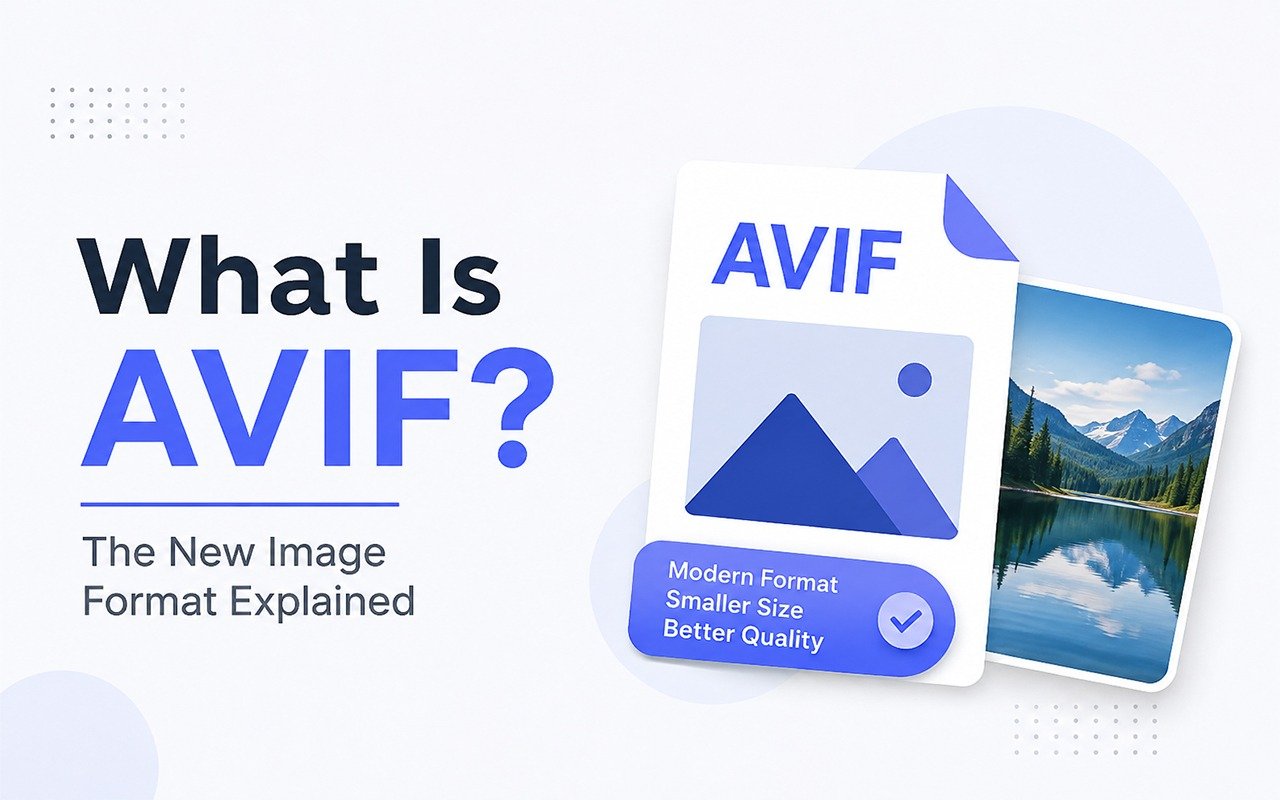
A reader wrote in a while back confused about a screenshot her laptop had saved with a .avif extension instead of the usual .png. She'd never seen it before, her photo app wouldn't open it, and Googling the extension didn't help much either. That question comes up a lot more than you'd think. AVIF has been quietly spreading across browsers, phones, and camera software for a few years now, and most people only notice once a file refuses to open the way it used to.
Key Takeaways
- AVIF (AV1 Image File Format) is a modern image format built on the AV1 video codec, made to shrink file sizes without a visible drop in quality.
- It typically comes in 30 to 50 percent smaller than a JPEG that looks just as good.
- AVIF handles transparency, animation, and HDR, things JPEG was never designed to do.
- Most current browsers support it, but a lot of ordinary software still doesn't.
- Converting an AVIF file to JPG takes seconds and is the quickest way to make it open anywhere.
So what actually is AVIF?
AVIF stands for AV1 Image File Format. It comes out of the Alliance for Open Media, a group that includes Google, Netflix, and Amazon among others, and it's built on top of AV1, the video codec that same alliance developed for streaming. Instead of designing a brand-new way to compress a still photo from scratch, AVIF basically takes the compression tricks that already work well for video and points them at a single frame.
That borrowing turns out to matter a lot. Video codecs get an unreasonable amount of engineering attention, mostly because a one percent gain in compression saves a company like Netflix real money in bandwidth every single day. AVIF gets to ride on the back of all that work, which is a big reason it outperforms formats that were designed in an era when computers were doing a fraction of the processing they do now.
Why bother, when JPEG already works fine?
JPEG has been the default photo format since 1992, and honestly, it's held up remarkably well. It's dependable and it opens on basically anything. But the core compression method behind it hasn't changed much since it launched, back when a typical hard drive held a few hundred megabytes, not a few hundred gigabytes. Meanwhile the internet has turned into something close to an all-visual medium. A single product page today might load fifteen or twenty images, and each one adds to the time a visitor spends staring at a half-loaded page.
Here's a real number to put that in perspective. A mid-sized shop selling handmade furniture, twelve products on a catalog page, each photo a 400KB JPEG, that's already close to 5MB of images before anything else on the page has loaded. Convert those same photos to AVIF at a comparable quality and the page can drop to somewhere around 2.5MB. On a decent WiFi connection you might not even notice. On a spotty mobile signal in a coffee shop, that's the gap between a page that opens instantly and one that makes someone give up and hit back. For a full side-by-side, see AVIF vs JPG.
What actually makes AVIF different
- Smaller files at the same quality: AVIF images typically run 30 to 50 percent smaller than a JPEG showing the same amount of detail, and the savings get bigger on complex, highly detailed photos.
- Real transparency support: Like PNG, AVIF can handle a transparent background, which JPEG has never been able to do. Useful for logos, cutout product shots, or anything layered on top of a colored background.
- HDR and a wider range of color:AVIF can capture more brightness range and more color than JPEG, which matters if you're shooting on a newer phone or camera that already records in HDR.
- Animation: AVIF can store a short animated sequence, effectively working as a lighter weight alternative to GIF.
- Both lossy and lossless modes: You can compress aggressively for the web, or keep it lossless when pixel-perfect accuracy actually matters, like archival scans or medical imagery.
Where you're most likely to run into an AVIF file
A handful of everyday situations account for most of the AVIF files people stumble across.
- Screenshots: Some browsers and operating systems now default to saving screenshots as AVIF instead of PNG.
- Photos pulled from a website: Plenty of modern sites automatically serve AVIF to any browser that supports it, purely to load faster, then quietly fall back to JPEG for older browsers.
- Phone and camera exports: Some newer devices offer AVIF as a save option because it uses noticeably less storage than JPEG for the same photo.
- Developer handoffs: If a freelancer or agency just optimized a client's website for speed, the image assets they hand back are often AVIF.
The catch: not everything can open it yet
This is where most people actually run into trouble. Chrome, Firefox, Edge, and Safari all handle AVIF just fine in their current versions. Step outside the browser, though, and support gets patchy fast. Windows' built-in Photo Viewer doesn't recognize AVIF unless you install an extra codec. A lot of older printing services choke on it. Some email clients just show a blank attachment icon instead of a preview. And plenty of design software released before around 2021 predates AVIF entirely, so it has no idea what to do with the file when it lands.
One wedding photographer's story sums this up well. Her camera app started exporting shoots as AVIF to save phone storage, which seemed like a nice feature right up until she tried uploading a batch to her print lab's site and half the files failed silently, with no error message telling her why. That gap, browsers understanding AVIF while a lot of everyday software still doesn't, is basically the whole reason AVIF to JPG conversion gets searched as often as it does. If you're hitting the same wall, our breakdown of why AVIF files won't open covers the most common causes.
Should you use AVIF, or convert away from it?
It comes down to where the image is headed. If you're publishing to a website and speed matters to you (and it should, since Google factors page speed into rankings), AVIF is a smart default. If you're printing a photo, uploading to a platform that specifically asks for JPG or PNG, or sending a file to someone whose software you have no way of predicting, converting to JPG first removes the guesswork entirely.
You don't have to pick one format forever, either. A common setup is keeping your originals in whatever format your camera or editor produces, publishing AVIF on the website for speed, and generating a JPG copy on the fly whenever you actually need broad compatibility. If a file refuses to open somewhere, our guide on converting AVIF to JPG walks through three ways to do it in under a minute.
Need a JPG right now? Convert your AVIF files to JPG instantly with our free AVIF to JPG tool.
Frequently asked questions
Is AVIF better than JPEG?
For most modern uses, yes. Smaller files at equal or better visual quality. JPEG still wins on universal compatibility, which is why both formats still have a place.
Can I convert AVIF back to JPEG without losing quality?
There's a small amount of loss since JPEG uses lossy compression, but at reasonable settings it's not something you'd notice with the naked eye.
Can I convert AVIF back to JPEG without losing quality?
Chrome, Firefox, Edge, and Safari all support it in their current versions, though older versions of each may not, so it's worth keeping a JPEG fallback if you're publishing on the web.
