Improve Your Team Work with Simple PDF Tools
It’s a real challenge to handle documents within a business. Every day, teams handle many PDF files. Some files require editing, some need to be combined, and some need to be converted to other formats for performing various tasks.
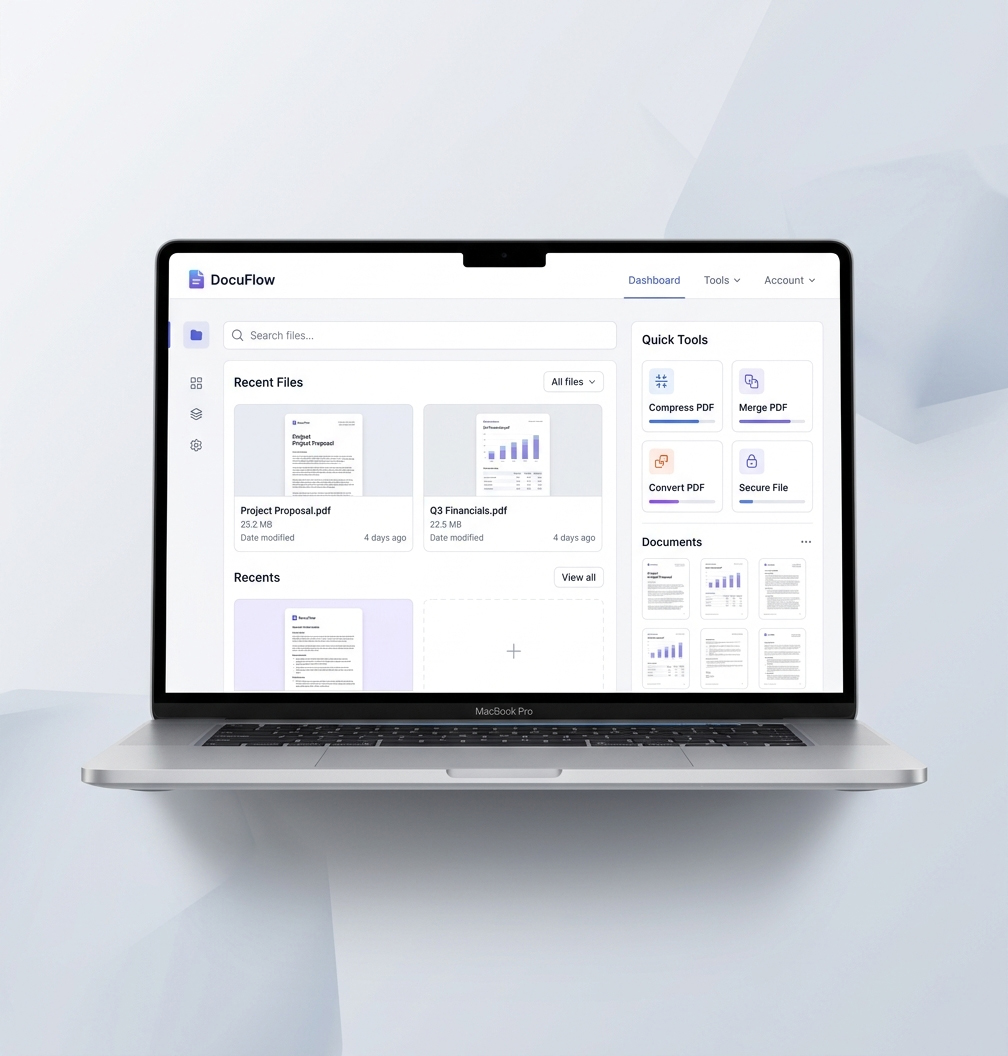
ILOVEPDF.BIZ enables you to manage all PDF tasks in a single place for your business. You can Merge PDF, Compress PDF, Edit, and convert your files to other formats and protect your files without using any heavy software.

ILOVEPDF.BIZ for Business – Smart PDF Solutions for Teams
High Performance Document Processing
Work Without Interruptions
Our platform is built to facilitate seamless document processing, ensuring that your team can continue focusing on their work without any disruption.
Process Large Files Instantly
Large PDF files can slow down operations. Our platform provides a compressed PDF file tool, which can help you reduce the size of the document, enabling you to share documents at a fast pace. This allows you to save time and get on with your regular operations.
Reliable and Secure File Handling
We process all documents with stability and reliability. Whether you are dealing with critical reports or routine files, the system performs its operations uniformly and accurately without any data loss.
Built for Privacy-Focused Workflows
We take the security of your business very seriously, with your files going through secure steps to keep your important business data private.
Flexible PDF Tools for Mobile Work Environments
Access Your Documents Anywhere
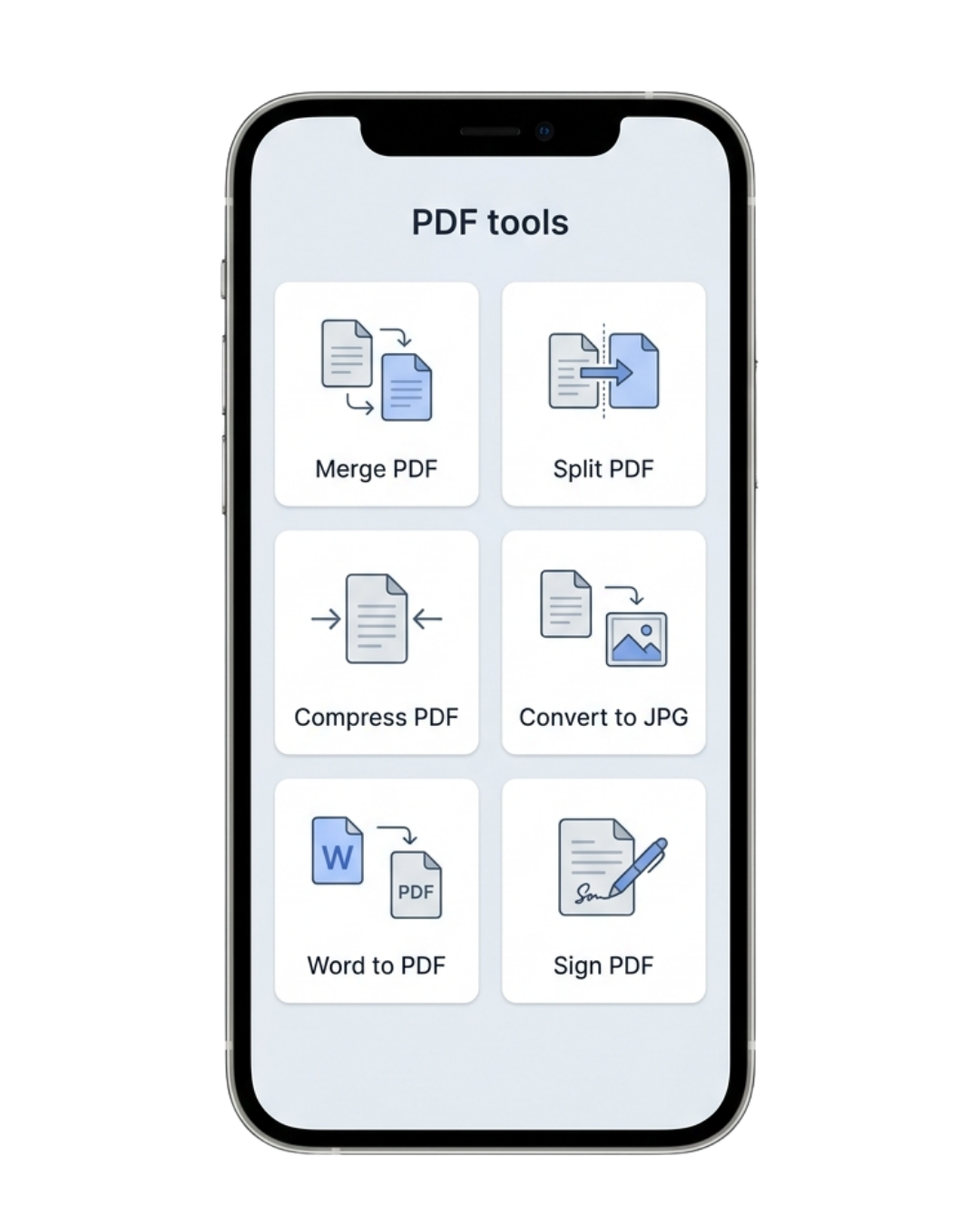
Modern businesses require flexibility. We enable your team to manage PDF files via our platform directly from mobile phones & tablets, allowing them to work from any remote location rather than being tied to a desktop.
Pre-Designed Professional Templates
Document generation from scratch can be time-consuming. Make easy reports, forms, and business documents in a structured format by converting professional PDFs into other formats like PDF to Excel, PDF to Excel and PDF to JPG.
Seamless Cloud Connectivity
Our platform is integrated with cloud storage services to upload, edit, and store files. This means your documents are always organized and accessible to you.

Enterprise-Level Data Protection
Security as a Core Priority
From uploading to downloading, our platform is designed with strict security protocols to ensure your documents are protected during every step of processing.
Data Encryption
All files are encrypted while they’re uploading, processing, and downloading. It helps ensure your documents are secure against unwanted access at all times.
Compliance and Standards
We follow international security practices and protocols defined by ISO, in order to keep the trust.
Controlled Data Retention
Your information is not kept for a long time period, and it is deleted right after completion of document processing.
A full suite of tools to boost your productivity
Security
-
Protect PDF
-
Unlock PDF
-
Redact PDF
-
Sign PDF
-
Remove Sign PDF
Utilities
-
Compress PDF
-
Compare PDF
-
Repair PDF
-
Extract Images From PDF
-
OCR PDF
-
PDF to PDF/A
Convert to PDF
-
Word to PDF
-
Powerpoint to PDF
-
Excel to PDF
-
JPG to PDF
-
PNG to PDF
-
JPEG to PDF
-
TIFF to PDF
-
Image to PDF
-
HTML to PDF
Convert from PDF
-
PDF to Word
-
PDF to Excel
-
PDF to Powerpoint
-
PDF to JPG
-
PDF to PNG
-
PDF to JPEG
-
PDF to TIFF
-
PDF to Image
-
PDF to HTML
-
PDF to Text
Edit PDF
-
Rotate PDF
-
Add page numbers
-
Add watermark
-
Edit PDF
PDF Security
- Unlock PDF
- Protect PDF
- Sign PDF
- Compare PDF
All Under One Roof
If you use various tools to manage your documents, then you may have faced the difficulty in navigating all those tools manually on different websites, which wastes a lot of time. But our platform, ILOVEPDF.BIZ, provides all tools in a single place so you can manage, edit, convert, and organize PDF files easily. This means less effort with much more efficiency across your teams.
Advanced PDF Editing Capabilities
Make accurate adjustments to your documents without converting PDF to Word or any other format. Use the Edit PDF tool to edit text, change layouts, and edit content directly in PDF files. This enables teams to quickly fix mistakes and keep documents updated without any additional steps.
Batch Processing
Processing files one by one when they can be processed together is time-wasting. Batch processing lets you perform the same action with many documents at once. Very helpful for teams working with big data volumes.
If you are an individual or an enterprise, ILOVEPDF.BIZ makes your work easy and productive.
You and your team do not need technical understanding. Everything works online. All you have to do is upload your file and get it done in seconds!
You can also chain together multiple tools. For example, there can be some tasks which you need to merge first using PDF Merger, then you may need to reduce the file size using compress PDF, or at the end you may need to secure your file using password protect PDF tool. So in this way, you can chain your document processing by using all kinds of tools in a single place.
Schools, Colleges, Teachers, and Students
Teachers and students use PDFs every day for making notes, assignments, exam papers, and study materials.
- This way, teachers can merge several chapters in a file using Merge PDF, where everything needed is just one click away for student access.
- To upload these notes, teachers can use a compressed PDF tool so that the files can be uploaded to LMS or Teams easily.
- Scanned notes are not easily readable or editable. OCR PDF enables teachers to convert scanned documents to editable text. PDF Editor can be used easily when they want to update the content.
- With Word to PDF or PDF to Word, students can convert files according to their demand for assignments.
It organizes the learning experience and makes it much smoother and quicker.
Finance & Accounting Sector
Every day, finance teams process invoices, reports, and sensitive documentation. It is very crucial to manage the files correctly.
- Accountants can use Merge PDF to combine multiple reports into a single financial document.
- Data might need to be modified sometimes. So the edit PDF tool can make minor adjustments without having to generate a new file.
- Teams can convert reports with PDF to Excel for better data handling and analysis of numbers. They can also convert ready-made Excel files to PDF using the Excel to PDF converter tool.
- In finance, security is highly paramount. Protect PDF can protect sensitive files, and Unlock PDF can remove restrictions if required.
- OCR PDF is important to convert these scanned invoices into editable text if they need editing.
This allows finance teams to move faster while still protecting data.
Legal Industry (Lawyers & Legal Firms)
Legal professionals work with contracts, agreements, and official documents. They need to be accurate and organized files.
- Merge PDF is especially useful for lawyers who want to combine multiple legal documents into a single file. If only some pages are needed, Split PDF can be used for that.
- Sometimes contracts need small changes. Lawyers can use PDF Editor to make quick updates in the text without having to rewrite the entire document.
- Legal documents must be secure. Protect PDF allows teams to add passwords and limit access. Remove restrictions with Unlock PDF if the file is locked.
- For reviewing changes, tools like Compare PDF allow the user to see differences in documents.
- OCR PDF is important to convert these scanned invoices into editable text if they need editing.
This allows for legal work to be more efficient and organized.
HR & Recruitment Sector
HR teams manage resumes and employee records daily.
- Convert resumes using Word to PDF or PDF to Word.
- Merge candidate files using Merge PDF.
- Edit documents using PDF Editor.
- Secure data using Protect PDF.
- Sign documents using Sign PDF.
Marketing & Creative Teams
Marketing teams handle presentations and creative assets.
- Convert presentations using PowerPoint to PDF or PDF to PowerPoint.
- Extract visuals using PDF to JPG.
- Edit drafts using PDF Editor.
- Reduce file size using Compress PDF.
- Use OCR PDF for scanned content.
- Secure files using Protect PDF.
- Extract images using Extract Images from PDF.
Helps teams create faster and better content.
Real Estate & Property Management
Real estate businesses manage contracts and property files.
- Edit documents using PDF Editor.
- Compress large files using Compress PDF.
- Sign contracts using Sign PDF.
- Secure files using Protect PDF.
- Use OCR PDF for scanned property documents.
- Convert images using PNG to PDF or JPG to PDF.
Makes property handling clean and professional.
